Enjoy the RTX 4090 Graphics Card!



Windows Infrastructure Hosting Packages with Plesk panel, Asp.Net, .Net Core Support.

You can benefit from web hosting services with discounted prices up to 10% valid until December 31 00:00.
Discover our web hosting plans suitable for every need and budget to create a website or more comprehensive projects!

You Can Get Support from Our Team!
We offer the best performance for your ASP.NET and .NET Core projects.
Let your projects run at lightning speed with NVMe SSD disks and optimized Windows servers.
Your servers are safe against all kinds of threats with special security rules and DDoS protection.
Lifetime free Let's Encrypt SSL certificate in all our hosting packages.
Your data is safe with us. Your site is backed up regularly against possible problems.
Our expert technical support team is always with you. Get quick answers to your questions.
Let your website always be accessible with uninterrupted service guarantee.


Thanks to NVMe and SSD disk infrastructure, your website opens fast, your visitors experience a seamless and smooth user experience. Although it is cheap hosting, performance is not compromised.
Your website is protected against external threats with free SSL certificate, firewall and DDoS protection. Your data is hosted on secure servers.
Your hosting account is automatically backed up regularly. In case of data loss, you can quickly restore your website.
Thanks to the user-friendly control panel, you can easily manage your site, files and databases without needing technical knowledge.
Our expert technical support team helps you 24/7 in every issue you experience regarding hosting. We offer a problem-free and secure hosting experience.
It offers growth-oriented services such as corporate e-mail, domain name, server, website solutions together with hosting solutions with budget-friendly plans.


Everything starts with a perfect domain name. Register your domain names at the most affordable price.
Get Detailed Information
Publish your Wordpress site with super fast and reliable Wordpress Hosting.
Get Detailed Information
Publish a website in minutes without needing technical knowledge.
Get Detailed Information
Take your place in the online world with a professional e-mail service connected to your domain name.
Get Detailed Information
Are you not satisfied with your current hosting company? Let our expert team move your site to OWEB uninterruptedly and without data loss.
Review the list below to quickly find answers to your questions.
"Since I switched to OWEB, the speed of my site has increased remarkably. The support team responds to every question instantly. I definitely recommend them."
"The best hosting company on the market in terms of price/performance. Their panels are very useful and servers are very stable."
"I met OWEB while looking for hosting for my blog site. Installation was very easy and my site never suffered any interruption. Thanks!"
Our Windows Hosting packages offer all the modern tools and flexibility that developers need.
Easily deploy and manage your projects via Git. Secure development with version control.
Manage your files quickly and securely via Plesk panel. Edit without needing FTP.
Ensure maximum performance and security with isolated application pools for each site.
Technical infrastructure details of our Windows hosting packages.
If your website is based on Microsoft technologies such as ASP.NET or .NET, or if you use Exchange, Microsoft SQL Server or another Microsoft product, you should choose a Windows Web Hosting plan. Also, choosing Windows Web Hosting does not force you to use only Microsoft products. By choosing Windows Web Hosting, you can install many popular applications such as WordPress, phpBB with one click.
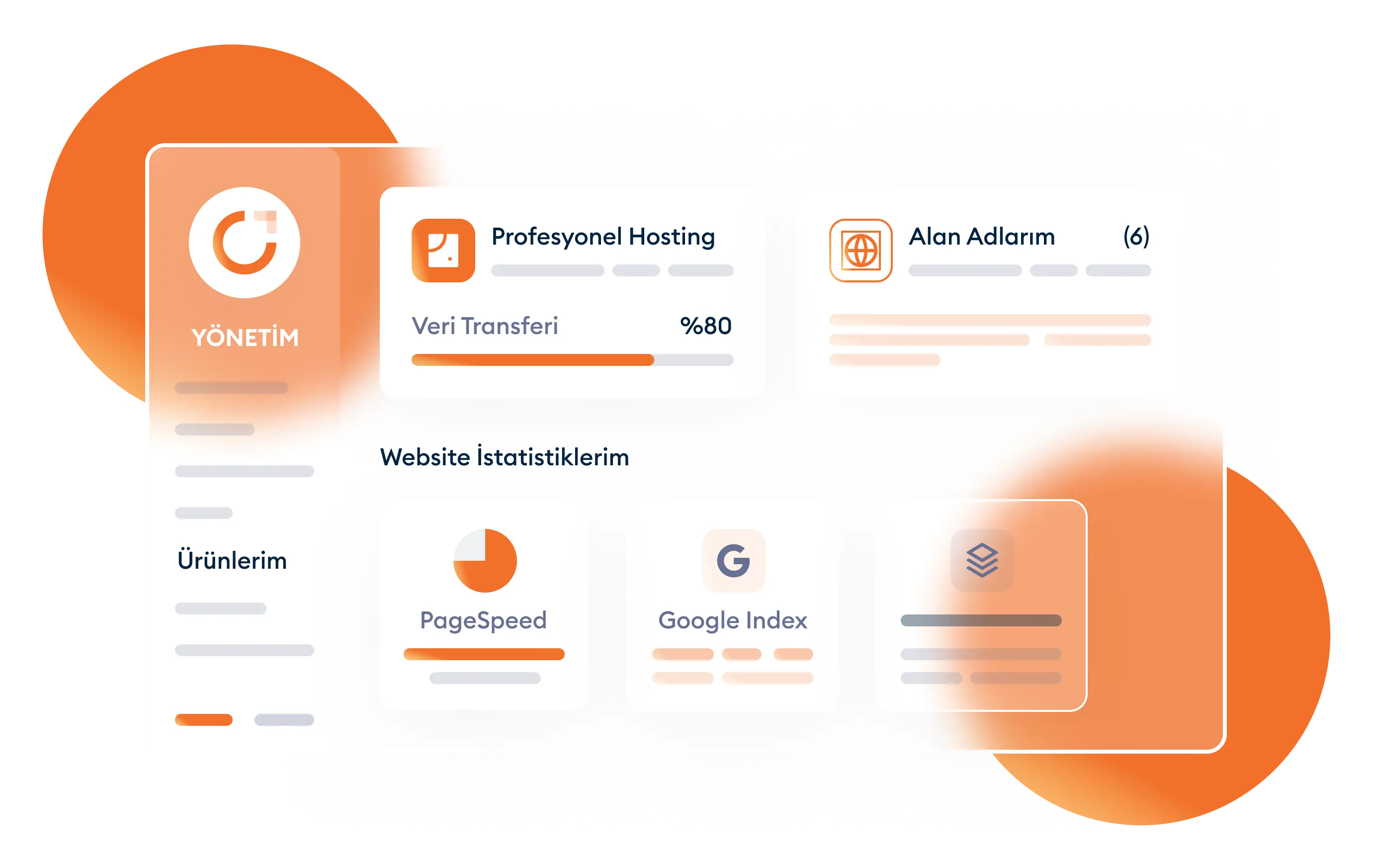
You do not need to have high-level technical knowledge to use the Windows Web Hosting service. You can perform most operations easily with one click in the control panels we have created for our customers to experience our services comfortably. However, if you get stuck on any issue after purchasing the product, you can reach our support team 24 hours a day, 7 days a week.
You can examine the packages we have created for personal and corporate uses in our Windows Web Hosting packages. All our packages include unlimited e-mail accounts, unlimited subdomains, unlimited MYSQL databases and free weekly backups and free SSL certificates. You can choose higher packages according to your storage space, CPU and RAM needs.

Check out the list below to quickly find answers to your questions.
If you are an ASP, .net, Java language user, Windows hosting packages are very suitable for you. Choosing between packages is up to you. When choosing, you can consider the disk space or the number of domain names you need. If you are undecided about the Windows website hosting package you will choose, you can get live support. You can ask our consultants online what is on your mind and get more detailed information about the packages. If you are going to purchase a hosting package for only 1 domain name, you can choose our starter package. You should not forget that the disk space and monthly traffic are limited in this package.
There are starter, standard, professional and premium packages. You need to make a choice from these packages in line with your own needs. As the features of Windows hosting packages increase, the price also increases. The important thing here is what features you need and at what level. We can say that getting e-mail addresses, Mysql database, Myssql database and Subdomain are unlimited in all our packages. The difference in packages stems from domain name limitation, disk space and monthly traffic limitation.
For Hosting Windows use, it is sufficient to purchase only a package you prefer. Apart from this, you do not need to have any technical knowledge. You can be sure that you will receive the support you need from our technical team when you need it. In addition to full performance and fast delivery, we continue to be with our customers at all times with our technical support. You can meet this qualified service by purchasing our Windows infrastructure hosting packages immediately.
All websites are constantly under threat of attack. Of course, you do not want your website, which you have established with days or maybe months of effort, to crash or have its information stolen as a result of such an attack. When you purchase Windows hosting packages, you also get protection features. Your website or sites are protected against viruses and spam. If your website encounters a virus, the protection shield of the hosting service comes into play directly. Maybe the existing threat is removed without you even knowing. Thus, your website is protected against threats such as viruses and spam circulating in the internet environment.
With our cheap Windows hosting service, you also get the SSL certificate for free. You can easily activate the SSL certificate you received for your website. The biggest advantage of the SSL certificate is that it ensures that your site appears at the top of search engines. Having a website rank high in search engines means reaching more people. People tend to log in more to sites they see at the top of search engines. Therefore, you should make every attempt to move your site to the top.
When you choose and purchase one of our Windows web site hosting packages, technical support will continue after sales. We can easily say that you will not need much technical support as it is a highly trouble-free posting service. However, since technology is a developing and changing world, you can reach our technical support service whenever you need it during the use of the hosting package. Our technical support team serves 24 hours a day, 7 days a week. Our team members who are knowledgeable and experienced in their work produce quick solutions to the technical problems you experience. You can eliminate the problem you are experiencing in a very short time and continue your hosting usage.
Hosting usage is absolutely necessary for website owners. A hosting suitable for the programming language used must be selected. The best Windows hosting service has become widespread worldwide due to its speed and security. It increases the accessibility of websites. It allows you to rise to the top in search engines. It protects your website against viruses and spam with security measures. Due to such advantages, we have packages that we have gained the satisfaction of our customers. When you think you are wrong in your choice, you can switch to a higher package. Being able to reach technical support 24 hours a day, 7 days a week and receiving a free SSL certificate are other advantages.
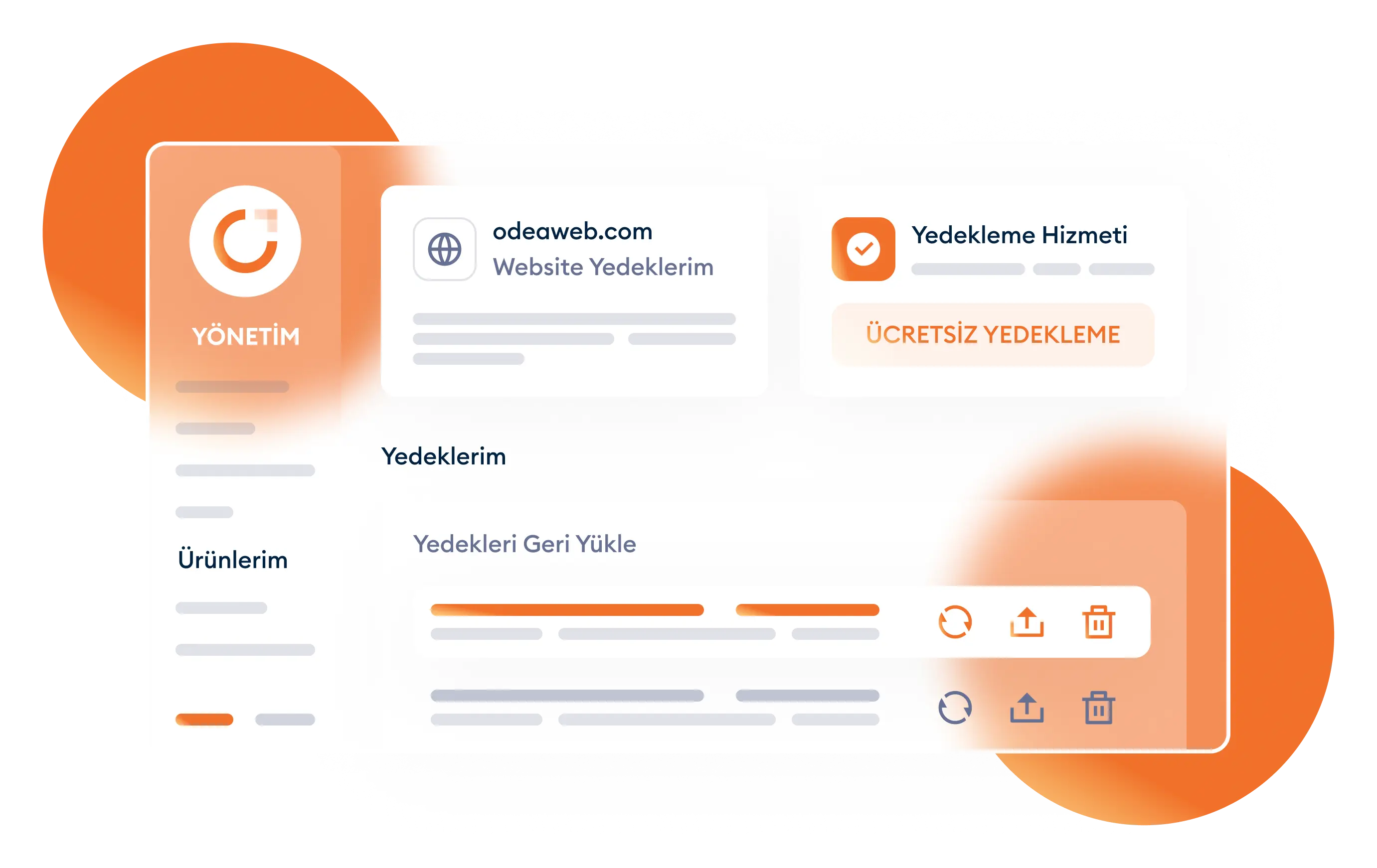
There is a free backup opportunity in the Windows web hosting service. All transactions made in the computer environment must be backed up. Having a single copy of important data, files, documents means you will lose it at any moment. We can say the same for the website. An important advantage of the hosting service is that all data on your website is backed up weekly free of charge. You do not need to take any action or pay a fee for this. The system performs the backup automatically. Despite all security measures, your website always has the possibility of being attacked. When you encounter such an attack situation and your site crashes, you do not lose your data thanks to the backup.
The right hosting selection must be made for the managed project to work at maximum performance. The programming language you use is of great importance in this selection. There are hosting services according to Windows and Linux operating systems. When you make the right choice between these two, you reach the highest performance level. With hosting services, you work with servers that ensure that your website is accessible 7 days and 24 hours. In other words, the website you set up is delivered uninterruptedly to visitors all over the world thanks to these servers.
Windows web hosting used in servers belonging to the Windows operating system has been developed for different projects. It is suitable for Java, ASP, .net, C# languages. A choice can be made from different package options in line with needs. Windows is an operating system and a generalization cannot be made that its users should choose Windows hosting as hosting service. Different hostings should be chosen for programs written in different languages. If you are using a program in ASP language, purchasing Windows web hosting service would be logical in terms of obtaining a problem-free usage.
Web servers ensure that the website you designed is constantly accessible to its visitors. The data you save on your website remains recorded just like a file. Since your computer cannot remain open and active continuously, there is a need for a server that ensures the website is accessible. Hosting companies connect all their customers' websites to their servers and provide presentation to visitors. It is not possible for you to provide such an internet network at home with your own computer and internet. Purchasing hosting in terms of software and hardware will contribute greatly to your web page or pages. Thanks to Windows hosting purchase services, you will have a reliable and strong hardware. You also ensure the security and audit of your website with this hosting service. You can choose a hosting package depending on the content and features of the website you set up.