Harness the power of the RTX 4090!



KVM VDS plans with Intel Xeon Gold 6254 processors in Turkey and AMD EPYC processors in Germany and the USA, NVMe storage and DDR4 ECC memory, backed by a 99.9% uptime guarantee.
Switch between the Turkey, Germany and USA tabs to compare CPU, RAM, storage and port specifications.
 Turkey
 Germany
 USA

You Can Get Support From Our Team!
Our VDS plans run on server hardware with DDR4 ECC memory and NVMe storage, and you can move to a higher plan as your needs grow.
Open a support ticket to reach our team 24/7 with technical questions or issues.
Get service without delay with 99.9% Uptime and minimum Downtime guarantee in our virtual servers.
VDS plans include DDoS protection at the infrastructure level, which helps filter network-layer attack traffic before it reaches your server.
If a technical problem occurs, your server is replaced with a new one; the redundant setup is designed to keep interruptions to a minimum.
Necessary support for all types of software is provided to our servers, you can integrate your software smoothly.
Control your server at any moment with your VDS Server management panel. Operating system installation, rebooting, traffic monitoring and more in a single panel.
Because root access is yours, responsibility is split into two layers.
Learn how a VDS works, how to choose the right plan and how it differs from a VPS.
A VDS (Virtual Dedicated Server) is created by splitting a powerful physical server into isolated virtual servers with KVM virtualization. Each VDS has its own kernel, operating system and root access, plus the CPU cores, RAM and NVMe storage defined in its plan. Thanks to KVM isolation, other virtual servers on the same physical machine cannot access your files or settings, and a software fault in one does not affect the others. This gives websites, application servers, databases and game servers an environment that is entirely under your control.
Start by measuring your current usage: concurrent visitors, database size and the services you will run determine how much RAM and how many cores you need. Entry-level plans are usually enough for a single corporate website or a small application; for multiple sites, e-commerce or heavy database use, choose plans with more RAM and cores. Since you can upgrade your plan later, there is no need to start with a plan much larger than you need.
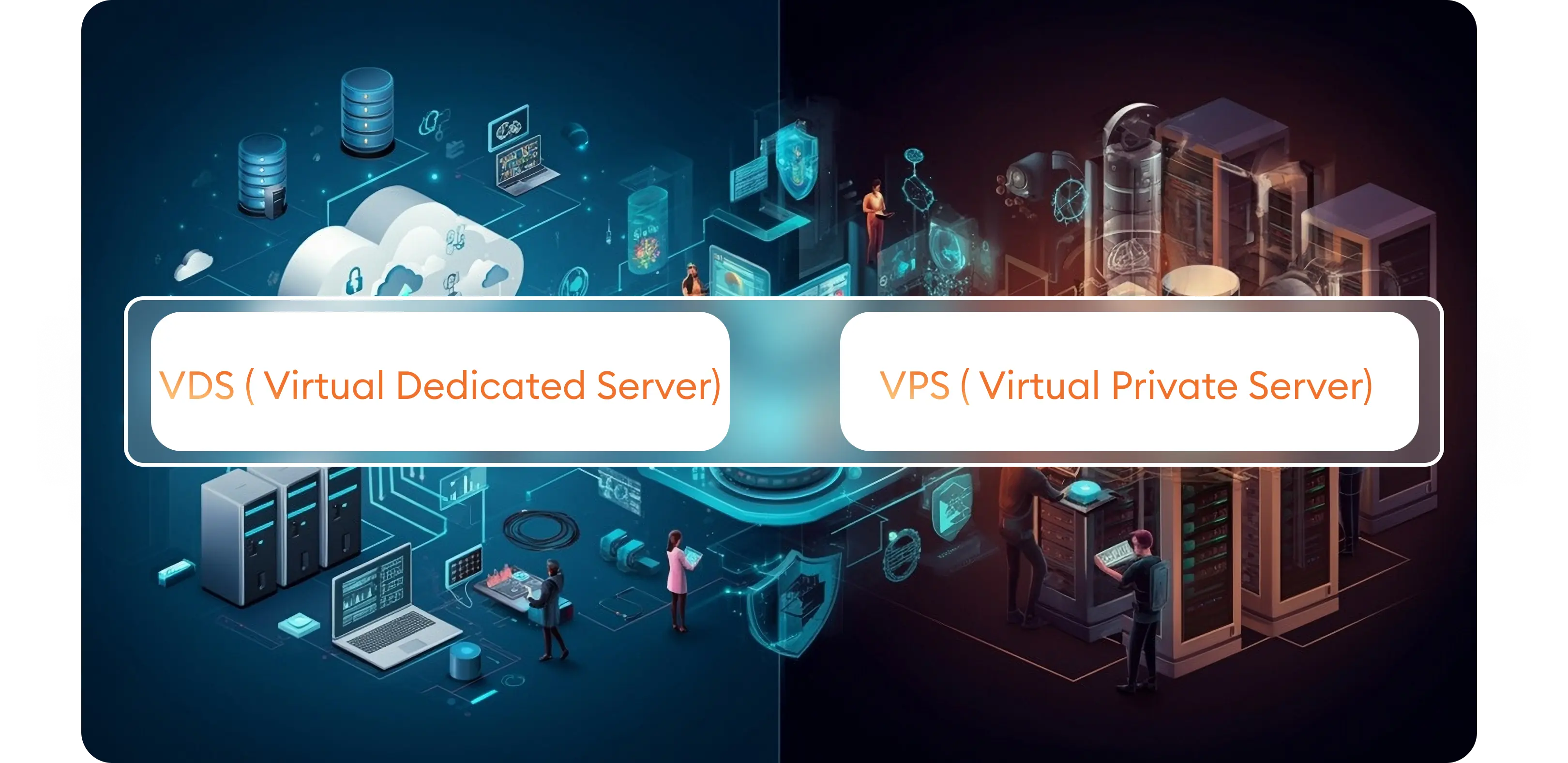
Technically, both models split a physical server into virtual servers with a virtualization layer, and each virtual server has its own operating system and root access; at Oweb both product lines use KVM virtualization. The difference lies in the scope of the product. Affordable Linux VPS plans are managed through the Virtualizor panel and designed for entry-level projects. VDS plans are offered in three locations, Turkey, Germany and the USA, with a wider resource range of up to 32 GB RAM; Turkey plans also include a 10 Gbit/s port and weekly backups. A VPS is usually enough for a single website, a test environment or a small application, while a VDS is the better fit for projects that need a location outside Turkey or more resources.
Why should you choose VDS Virtual Server?
With KVM virtualization, each VDS runs its own kernel and operating system, isolated from other virtual servers.
NVMe drives offer lower latency and higher IOPS than SATA SSDs, which is noticeable in database- and cache-heavy applications.
Reach our technical team 24/7 through support tickets.
Free site migration support is included with VDS plans; simply open a support ticket to agree on the scope and timing.
Before you rent a VDS server, it pays to pin down what your project actually needs: it avoids overspending today and a painful migration later. The sections below cover CPU, RAM, storage, location, backups and management responsibility so you can pick the right KVM VDS plan.
The most common planning mistake is looking only at disk space. In most web applications the first bottleneck is memory, followed by CPU. Use the following as a practical starting point:
The deciding factor is where your visitors and the services you integrate with are located. If most of your users are in Turkey, the Turkey location hosted at Mars Data Center gives lower latency and is the natural choice for projects that must keep data in the country. Germany suits applications serving Europe, and the USA location suits users and services in North America; plans in these two locations run in Hetzner data centers. Billing cycles also differ by location: Turkey plans can be paid monthly, quarterly, semi-annually or annually, while Germany and USA plans are billed monthly.
Turkey plans include weekly backups, while backups are a paid option for Germany and USA plans. A weekly backup alone is not enough for a frequently updated database, so for critical data we recommend daily database backups copied to storage outside the server. DDoS protection is provided at the infrastructure level, but because you hold root access on a VDS, operating system updates, firewall rules, SSH access and application security are your responsibility. Using SSH keys instead of passwords, closing unused ports and enabling automatic security updates is a good start.
A KVM VDS strikes a balance between flexibility, fast provisioning and easy upgrades. If you need sustained high CPU usage, very large amounts of memory or exclusive use of the entire hardware, consider renting a dedicated server in Turkey. If you are looking for a virtual server with an AMD EPYC processor in Turkey, AMD EPYC VDS plans are a separate option. If you would rather not handle installation, updates and monitoring yourself, a managed server service that leaves the technical management to the Oweb team is the better fit.
Do you need detailed information about our VDS packages?
It suits projects that have outgrown shared hosting but do not need a full physical server: growing corporate websites, e-commerce platforms, API and mobile app back ends, databases, automation tools, VPNs, test environments and game servers. With root access you can install exactly the software stack you need.
Choose the location closest to your visitors and the services you depend on: Turkey plans give lower latency for users in Turkey, Germany plans for Europe and USA plans for North America. If your users are spread across several regions, go by the region that sends you the most traffic.
Yes. You hold root access (administrator access on Windows), so you can install a web server, a database, Docker, a control panel or your own application. Complying with the license terms of commercial software and keeping installed software up to date is the user's responsibility. Our support team helps with infrastructure and access issues.
Turkey plans include weekly backups, while backups are a paid option for Germany and USA plans. Plan how often you back up according to how often your data changes.
Yes. When your needs grow you can move to a higher plan or request disk, CPU and RAM upgrades. The most economical approach is to start with a plan that matches your real usage and grow while monitoring resource consumption. After a disk upgrade you may need to extend the file system.
Yes, VDS plans include DDoS protection at the infrastructure level. This protection targets network-layer attacks; against application-layer attacks you should also apply measures on your server such as firewall rules, rate limiting and up-to-date software.
Oweb maintains the physical hardware, the virtualization layer and the network infrastructure. The operating system, updates, software and configuration inside the VDS are under your control because you hold root access. If you want these tasks handled for you as well, take a look at our managed server service.
If your resource needs fit within the VDS plan range, a VDS is more flexible and economical thanks to fast provisioning and easy upgrades. If your needs exceed that range or you need the entire hardware to yourself, a dedicated (physical) server is the better choice.
You can use popular Linux distributions such as Ubuntu and Debian. If you prefer Windows, confirm with our support team before ordering that it is available for your chosen location and plan. If you want to change the operating system later, you can reinstall it from the VDS management panel; reinstalling erases the data on the disk, so take a backup first.
You can reach our technical support team 24/7 by opening a support ticket. Including your server name, IP address and the steps that led to the problem shortens resolution time. For questions about choosing a plan, you can also use the WhatsApp support line on this page.
From the management panel you can restart your server, reinstall the operating system and monitor traffic usage, so you do not have to wait for a ticket for simple actions. Configuration inside the server is managed over SSH or remote desktop using your root access.
Free website migration is among the features of our VDS plans. Before the move, have the access details of your current provider and a full backup ready; simply open a support ticket to agree on scope and timing. We recommend not changing DNS records or cancelling your old service until the migration is complete.