Enjoy the RTX 4090 Graphics Card!



24/7 technical support, NVMe disk servers, free backup, 250+ free ready-made scripts.

Take advantage of web hosting services with up to 10% discounted prices valid until December 31st 00:00.
Explore our web hosting plans suitable for every need and budget to create a website or more complex projects!

You Can Get Support From Our Team!
Cheap web hosting is an economical hosting solution that makes your website files, images, and databases accessible to internet users 24/7. When visitors type your domain name in the browser, the hosting server delivers your site to the screen in seconds.
Low-cost hosting packages provide ideal infrastructure for personal projects, blogs, corporate websites, and startups. A properly configured affordable hosting service ensures fast page loads, high uptime, and basic security needs without straining your budget.

Cheap hosting is the provision of server resources needed to publish your website on the internet, offered in affordable packages. This means your site is hosted on a server accessible from anywhere in the world, not just on your own computer.
Budget hosting packages are optimized for email account creation, database management, file storage, and basic traffic needs. Linux-based infrastructure ensures smooth operation of PHP, WordPress, and other popular software. It offers a powerful start for those who want to create a new site on a low budget.
Cheap web hosting prices are determined by disk space, monthly traffic (bandwidth), CPU power, and the number of sites that can be hosted simultaneously. Low-resource packages suffice for personal blogs and small business sites, while more flexible options are available for growing projects.
Using the package comparison table at the top of the page, you can easily choose the best affordable hosting package that fits your budget and publish your website at a low cost.
With NVMe and SSD disk infrastructure, your website loads fast and visitors enjoy a seamless and smooth user experience. No compromise on performance despite affordable pricing.
Free SSL certificate, firewall, and DDoS protection secure your website against external threats. Your data is hosted on secure servers.
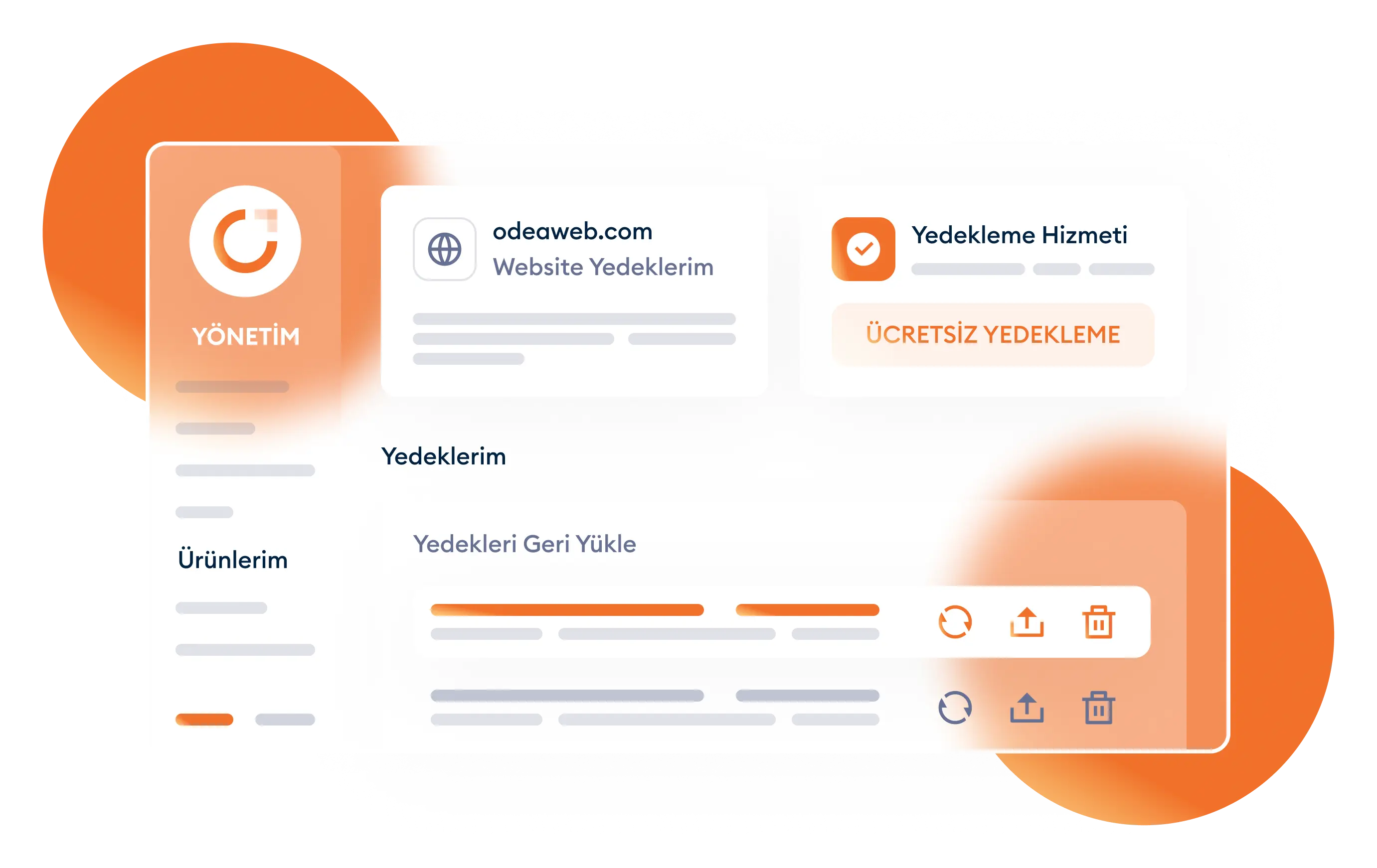
Your hosting account is regularly backed up automatically. You can quickly restore your website in case of data loss.
With a user-friendly control panel, you can easily manage your site, files, and databases without any technical knowledge.
Our expert support team is available 24/7 for any hosting-related issues. We provide a seamless and secure hosting experience.
In addition to hosting solutions, we offer growth-oriented services such as corporate email, domain names, servers, and website solutions combined with budget-friendly plans.


Everything starts with a perfect domain name. Register your domain names at the most affordable prices.
View Details
High performance and secure infrastructure specially optimized for your WordPress sites.
View Details

Take your place in the online world with a professional email service connected to your domain name.
View Details


Are you not satisfied with your current hosting provider? Our expert technical team moves your website to Oweb servers seamlessly, without data loss and completely free of charge.


I entrust my servers to Oweb with confidence. My clients and I are satisfied. Affordable server prices and 24/7 instant technical support service are undoubtedly the best. I recommend it to everyone.

We thank Oweb, who has made a great effort in the smooth, fast and secure operation of our mobile applications with hundreds of thousands of users and does not spare their 24/7 support.

We have been working with Oweb for a long time. We are very pleased with their services and support. An expert and professional team providing support at all hours of the day. A company we always recommend. Thanks Oweb.
For about 2 - 2.5 years, I have been happy to direct all my clients to you, and the feedback from all the clients I have directed makes me satisfied as well.

LiteSpeed protects your website without compromising performance, security or compatibility. It allows you to get a faster website by doubling the maximum capacity of your website.
Provide a faster experience to your customers who have previously visited your website with a highly customizable caching service. Moreover, manage traffic growth with ease.
Protect your website against malicious people by quickly detecting known and unknown threats, including spam, phishing and any malicious attachments.
Thanks to our weekly free backup service active in all our packages, restore your website unconditionally in case of technical problems.
Easily manage your website with cPanel, one of the most reliable website management panels. Have full control over your website with the easy-to-use admin panel.
Install many popular content platforms on your website with one click. Quickly load content platforms such as Joomla and OpenCart without getting stuck in long installation phases.
Linux Hosting is an open source operating system where website hosting takes place using a Linux-based server. A website cannot exist without hosting. Therefore, if a website is to be opened, hosting must be acquired. The reason Linux Hosting is called open source is that its content can be edited, changed and redistributed in any environment. The biggest advantage of this is security; since Linux Hosting is open source, it offers an extremely reliable experience. Furthermore, Linux is the most popular choice among various Web Hosting providers and website experts (webmasters). This is because it is free and offers lightness and customization for server capacity to users. In addition, Linux Web Hosting is more economical, especially compared to Windows Web Hosting.
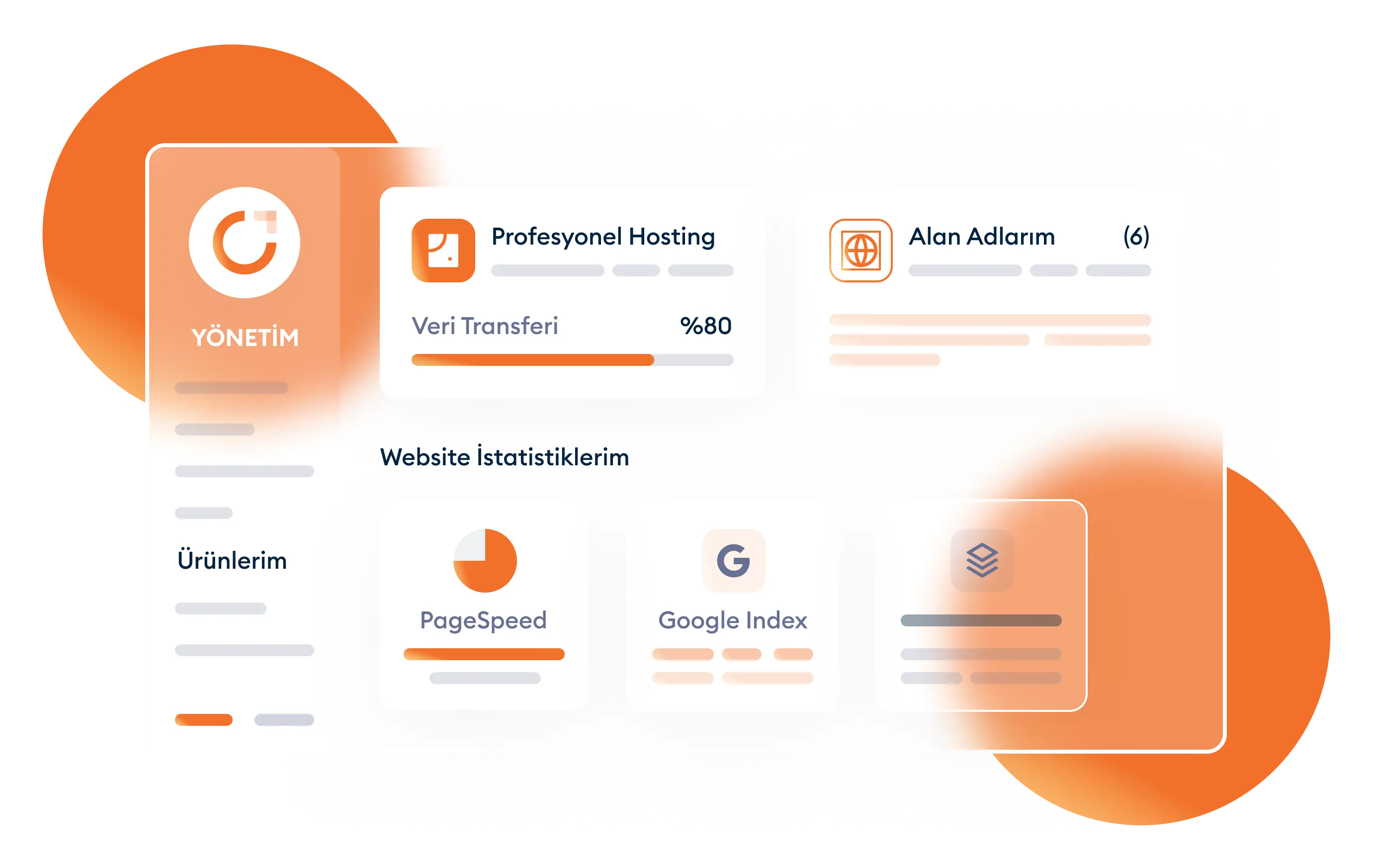
Anyone who wants to build a fast website can choose Linux Hosting. Linux Web Hosting has been developed to run sites faster with features such as better performance, low cost, security and stability. Linux Web Hosting service, which is sold at more affordable prices than other Web Hosting packages, can be preferred by all personal and corporate website owners. Due to the lightness and transparency it offers, besides running a faster website, it provides better performance in limited disk areas. In addition, you can offer your customers a more secure website with the free SSL certificate we provide in our Linux Web Hosting packages.
Your choice of package is very important depending on the resource consumption your website will use. If your website consumes many resources, you should choose the appropriate package. You can analyze the amount of disk space, processor and RAM your site consumes and choose the most suitable one from the packages we have created. All our packages include unlimited domain names, unlimited MYSQL databases and weekly free backup service. In addition, all our packages include a free SSL certificate; you can make your website more reliable by transferring this certificate to your site.

Browse the list below to quickly find answers to your questions.
The purpose of web hosting service is to prepare a space where you can upload your websites. Websites built with Linux operating system infrastructure are preferred because they provide advantages in many ways. The hosting tool for websites built with this infrastructure is called Linux hosting. It runs many different content management systems smoothly. Its ability to deliver high efficiency at low cost has increased its popularity. You can choose Linux hosting for your web project. It has an open-source system. PHP support is one of its important features.
Free backup is also included in our online web hosting service. It is a known fact that all data in computer and internet environments needs to be backed up. Therefore, when you purchase our Linux Hosting packages, you also receive the free backup service. Your data on your website(s) is backed up weekly. The importance of backup comes from ensuring the security of your data.
We offer multiple package options in our Linux web hosting service. You can choose a different package based on your needs and usage purpose. There are starter, standard, professional, and premium packages. As the package features increase, so does the price. The starter package can host 1 domain with 2 GB disk space. Unlimited subdomain feature is the same for all packages. All packages also include unlimited MySQL databases and subdomains.
Linux hosting provides protection against all types of external attacks. In this regard, we can say that security is at the highest level. Our packages have active spam and antivirus features. A protection shield is created for your carefully built websites. By choosing us for your web hosting needs, you benefit from our high security measures.
In case of any issues with our Linux Web Hosting service, you can benefit from our 24/7 uninterrupted technical support. It offers smooth usage with high performance. However, technical issues may occasionally arise. In such cases, you can call us without delay and request technical support. Our professional team is always ready to provide solutions.
As we mentioned, Linux Hosting offers various package options and you can choose a package based on your needs. In the standard, professional, and premium packages, all features are unlimited except for the number of domains. However, there is a domain limitation. The professional package hosts 5 domains, and the premium package hosts 10 domains.
It is perfectly normal to need technical support in the internet environment. Our team is always ready to provide technical support. You can reach technical support at any time with our online web hosting service. We stand by our customers even after the sale. You can benefit from our 24/7 free technical support service.
Linux Hosting is suitable for anyone who needs web space. Of course, the users should be using Linux as their operating system infrastructure. With the free SSL certificate, you can rank higher in search engines like Google. Our affordable pricing makes our packages suitable even for those with limited budgets.
Just as you need to back up information saved on your computer, you also need to back up your website information. Websites face many threats daily and malware can corrupt your files. Free backup is included in our web hosting services. Your data is automatically backed up weekly. This ensures the security of data uploaded to your website.
• High uptime rate.
• Protection shield against external attacks.
• PHP support.
• High-performance system.
• More operations at less cost.
• Various tools for webmasters.
• Simple email management system.
• Can be used without professional support.
• Fast and effective usage.
• Easily run WordPress and similar applications.
• Instant delivery of quality web hosting service.
• 24/7 technical support with Linux Hosting.