Server Management 0
0 (850) 303 31 32 ISO Certificate Blog FAQ Contact
TRY: 1.00 TL
USD: 50.25 TL
Support Ticket Deals
0 Register
Oweb Bulut İnternet Hizmetleri A.Ş. Joint-Stock Company
0 (850) 303 31 32
Beşiktaş / ISTANBUL
Maslak Tax Office - 6341135657
Commercial Info Bank Accounts Legal Agreements
About the Company Everything you need to know
Setup, Security and Optimization

Server Management Service for Your Existing Linux and Windows Servers

Hand over the setup, updates, security and performance work of your existing Linux or Windows server to our expert team. The work included grows with the SLA level you choose; server monitoring comes with the SLA-2 and SLA-3 plans.

  • 24/7 Support Tickets
  • Analysis of Your Needs
  • Server Monitoring
  • Server Security
Management at a Glance 10% DISCOUNT
  • ScopeYour existing Linux and Windows servers
  • Support levelSLA 1-3
  • Support tickets24/7 · reply within 1 hour
  • Server monitoringOn SLA-2 and SLA-3 plans
  • SecurityIntrusion detection and firewall (SLA-3)
  • ReportingThe work done is reported to you
Starting from
/mo
SLA 1-3 Tiered Support Plans
99.9% Uptime Guarantee
Linux & Windows Server Support
Within 1 Hour Support Ticket Response
Ask Yourself

Do You Need a Server Management Service?

If one or more of the situations below apply to you, it is time to hand over the technical management of your server to an expert team.

Explore Packages
  • You do not know what to do when your server has an error or an outage
  • There is no full-time system administrator on your team
  • You do not have time to keep up with security patches and updates
  • You want an expert team to monitor your server so you can focus on your business
Suitable for Your Plans

Choose Your SLA Package!

3 SLA plans
Payment Cycle:
Starter

SLA Level 1 Support

10% DISCOUNT
/mo
Add to Cart
What's included
  • Operating System Installation
  • Control Panel Installation
  • Reinstallation
  • Power On, Shut Down, Restart
  • Password Reset
  • Control Panel Updates
  • Support Ticket Response Within 1 Hour
  • Phone Support (9:00 AM - 4:00 PM)
Professional

SLA Level 2 Support

10% DISCOUNT
/mo
Add to Cart
What's included
  • Operating System Installation
  • Control Panel Installation
  • Reinstallation
  • Power On, Shut Down, Restart
  • Password Reset
  • Control Panel Updates
  • Operating System Updates
  • Server Monitoring (Ping)
  • Service Checks
  • System Monitoring and Log Analysis
  • Email Issues
  • Support Ticket Response Within 1 Hour
  • Phone Support (24 Hours)
BEST SELLER
Advanced

SLA Level 3 Support

10% DISCOUNT
/mo
Add to Cart
What's included
  • Operating System Installation
  • Control Panel Installation
  • Reinstallation
  • Power On, Shut Down, Restart
  • Password Reset
  • Control Panel Updates
  • Operating System Updates
  • Server Monitoring (Ping)
  • Service Monitoring (Web, SQL, Mail)
  • Service Checks
  • System Monitoring and Log Analysis
  • Email Issues
  • Antispam Service
  • Intrusion Detection
  • Software Firewall Management
  • Support Ticket Response Within 1 Hour
  • Phone Support (24 Hours)
For work that is not listed on the plan cards, we plan your needs together and deliver a turnkey setup. Send your request
In Every SLA PlanWhat you get on every plan, whatever the level.
  • Linux & Windows Server Support
  • For your existing physical or virtual server
  • 24/7 Support Tickets
  • Within 1 Hour Support Ticket Response
  • Phone support
  • Analysis of Your Needs
  • Reports on the work done
  • Operating system and control panel installation
99.9% Uptime Guarantee
SLA-Backed Support
High Performance
Step by Step

How the Management Service Works

Once we take over the management of your server, the process runs in four steps.

  1. Needs Analysis

    We clarify your server's operating system, the services running on it and your goals.

  2. Access and Inventory

    Secure admin access is set up, and open ports, installed software and backup status are documented.

  3. Planning

    Update, hardening and optimization steps are prioritized and a rollback path is defined.

  4. Implementation and Reporting

    Changes are applied as planned and reported to you; support continues within your SLA scope.

Our Team and Approach

Your Server in Expert Hands

See who manages your server, what we do when failures or attacks happen and how we approach optimization.

System administrator working at a server rack with a laptop

Who Manages Your Server?

Your requests are handled by our technical support team, trained specifically in this field. The team is made up of specialists who studied server management at university and have kept building their expertise since. When an error occurs on your server or website, simply open a support ticket; the team investigates, intervenes and tells you what was done.

Technician checking servers with a tablet in a data center aisle

What We Do When Something Goes Wrong

Oweb has hosted more than 10,000 servers since 2015, and we bring that experience to the servers we manage. We help install add-ons and services on your server and fix errors as they occur. If your website has a problem we restore your clean backup, and if your IP address has been blacklisted we find out why and close the security hole that caused it. We support you with database and email failures and optimize your server by monitoring server and site performance. During DDoS attacks our protection system automatically blacklists attacking IPs, and our team manually adds any addresses it cannot block automatically.

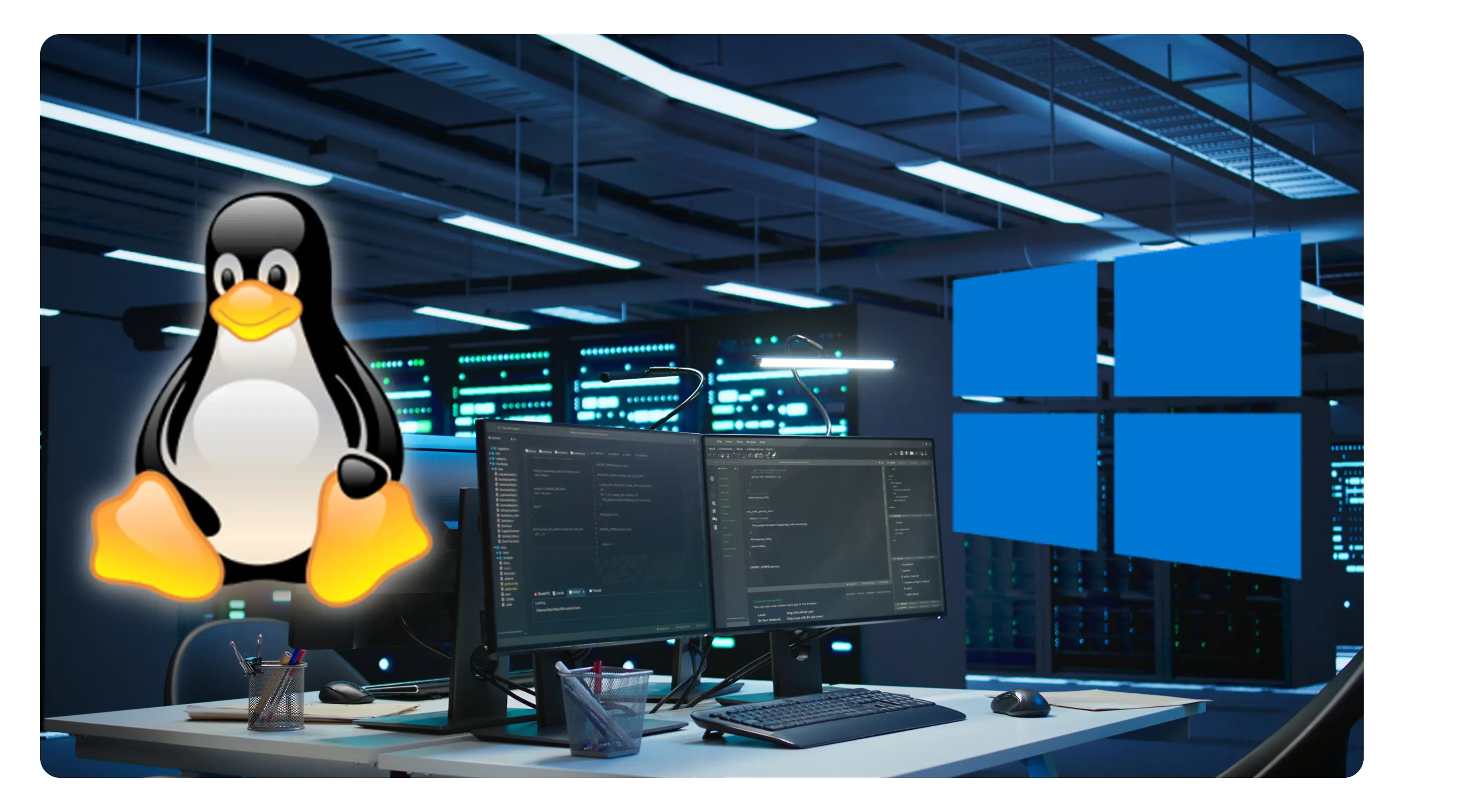
Linux and Windows logos next to management screens in a server room

Linux & Windows Optimization Solutions

In order for you to get fast response times, we can regularly monitor your servers, analyze their performance, and optimize your servers in places where optimization problems occur. In this way, you will be able to prevent performance losses such as slowing down and freezing that will occur with caching errors or unnecessary files accumulating over time on your server.

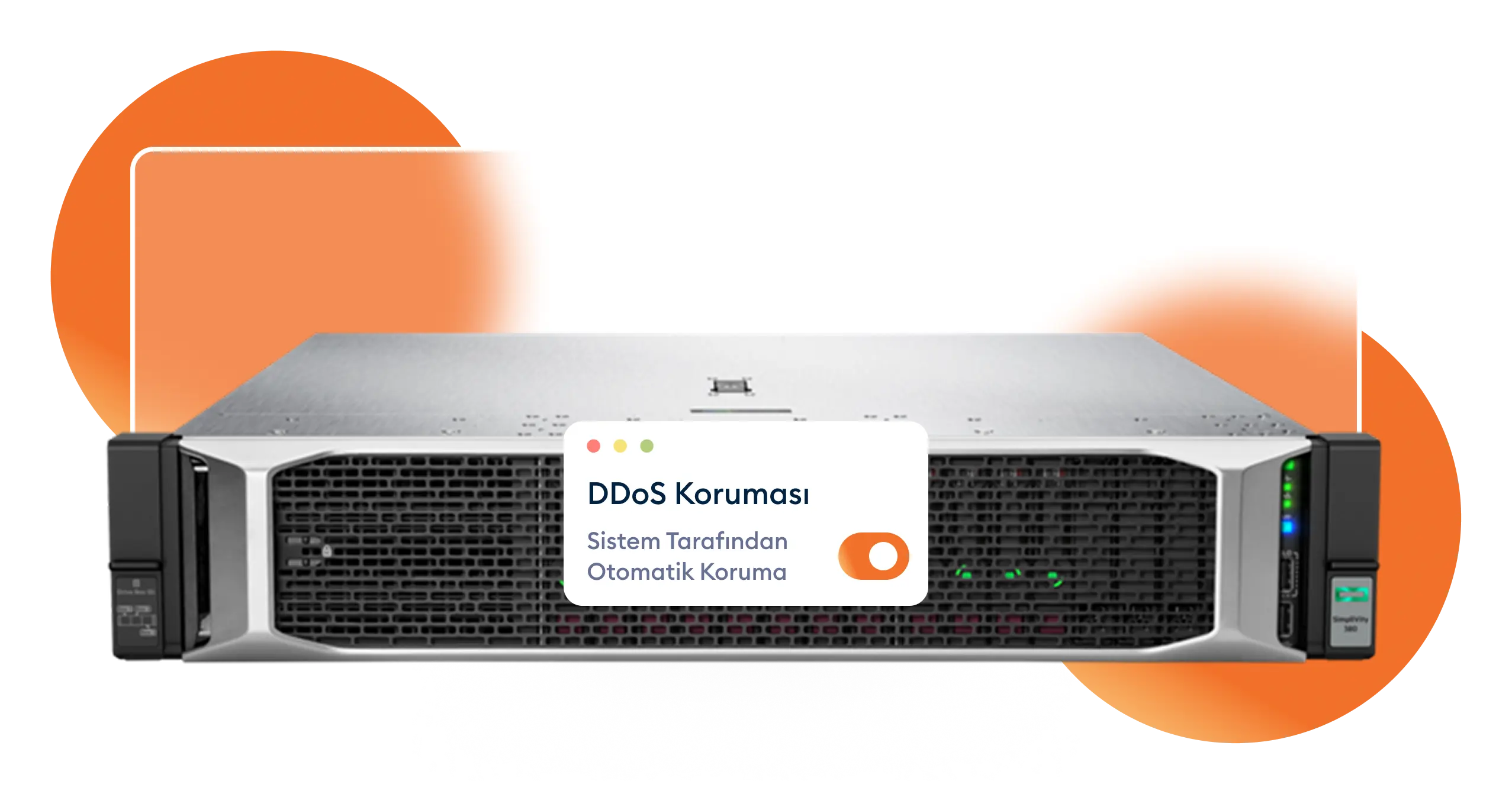
Rack server with a DDoS protection indicator

DDoS Mitigation and Security Solutions

When your server is attacked, our DDoS Mitigation protection system blocks the incoming traffic. Using advanced analytics, we slow down and block attacking IPs from every location.

Management Services

What do we do within the scope of server management?

Installation & Configuration

Web server, database, control panel installation and optimization.

Security & Protection

Firewall, IDS/IPS, malware scanning and DDoS protection services.

Server and Service Monitoring

Ping monitoring of your server on SLA-2 and SLA-3, plus web, SQL and mail service monitoring on SLA-3.

PROFESSIONAL MANAGEMENT

Leave Your Server to Us!

Our expert team takes on the setup, security, optimization and monitoring of your existing server within the scope of the SLA plan you choose, so you can focus on your business.

  • Security Scan
  • Performance Optimization
  • Server Monitoring

What Is Server Management and Who Is It For?

A server management service means an expert team takes over the technical work around the physical or virtual server you already use: its operating system, services, security and performance. You do not buy a new server; you hand over tasks such as setup, updates, monitoring and incident response for your existing Linux or Windows server.

It suits SMEs, e-commerce sites, agencies and software teams that do not have a full-time system administrator. Even if your server seems to run smoothly, delayed updates, unread logs and backups that have never been test-restored are risks that build up quietly until the first failure.

Server Management vs. a Managed Server

The two services are often confused. With server management the server is yours; you only hand its technical management over to us. If you would rather get the server and its management in one package, our managed VDS server plans are a better fit, since they bundle the virtual server with full management.

If you do not have a server yet, first choose infrastructure that matches your workload: KVM-based VDS servers for projects that need flexible resources, or colocation in Istanbul if you own your hardware. You can then add the SLA plan that fits your needs.

Management Scope by SLA Plan

Before the service starts, it should be clear which tasks are yours and which are ours. The scope widens with the SLA level you choose:

  • Core tasks: operating system and control panel installation, reinstallation, powering the server on, off and restarting it, password resets and control panel updates.
  • Maintenance and monitoring: operating system updates, ping monitoring, service checks, system tracking and log analysis, and fixing email issues.
  • Security: monitoring of web, SQL and mail services, an antispam service, intrusion detection and software firewall operations.

You can compare which item is included in which plan on the plan cards above. The entry level may be enough if you run a single website and mainly need setup help when something goes wrong; businesses that run several services, where downtime means lost revenue, should consider the higher levels that include monitoring and security work.

What to Watch for in Performance and Security

Optimization Starts With Measurement

Server optimization is not a one-off tweak but a cycle that starts with measurement. Monitoring CPU, RAM, disk I/O and network usage shows where the bottleneck is. The most common causes are a database producing slow queries, web server and PHP worker settings that do not match the workload, a disk that is nearly full and a cache that is not used at all. Upgrading hardware before finding the bottleneck usually just postpones the problem.

Shrink the Attack Surface

The core principle of server security is to shrink the attack surface: disable unused services, restrict management ports such as SSH and RDP to specific IP addresses, use key-based login instead of passwords where possible, apply patches without delay and run regular malware scans. High-volume DDoS attacks cannot be stopped by a software firewall on the server alone; the traffic has to be filtered at network level before it reaches the server.

Steps to Get Started

  1. Needs analysis: the server’s operating system, the services running on it, its traffic profile and your goals are clarified.
  2. Access and inventory: secure administrator access is set up, and open ports, installed software and backup status are documented.
  3. Planning: update, hardening and optimization steps are prioritized, and possible failure scenarios and a rollback path are defined.
  4. Implementation and reporting: changes are applied as planned and the work done is reported to you. After that, monitoring and support continue within the scope of your SLA plan, and you can submit support tickets 24/7.

Common Server Management Mistakes

  • Applying updates or configuration changes without a working, tested backup.
  • Leaving the SSH or RDP port open to the whole internet and sharing the administrator password with several people.
  • Only checking whether the server is up, without verifying that the web, database and mail services actually work.
  • Moving to more powerful hardware every time things slow down and overlooking that the cause is usually the configuration.
  • Opening a support ticket without server details, the time the error started and the relevant log entries, which makes diagnosis take longer.

By Our Customers

Frequently Asked Questions About Server Management

Do you need detailed information about our Server Management packages?

What server management work do you support?

Our team provides support in these areas: SQL Server and web server installation and configuration, network configuration (peering, BGP, etc.), vulnerability detection and reporting, attack detection and response with IDS/IPS, malware, spyware and virus scanning, DDoS and botnet filtering, WAF solutions with custom rule sets, server room setup, Linux and Windows control panel installation, Windows solutions such as IIS and Group Policy, data recovery and failure resolution, RBAC system solutions, hardware firewall configuration, pfSense and Endian management, caching solutions, CMS optimization and troubleshooting, and data center solutions. The tasks included in each SLA plan are listed on the plan cards; for work that is not on that list, we plan your requirements together and deliver a turnkey setup.

What is server optimization?

Server optimization means configuring your existing infrastructure, or the setup we install for you, so that it uses its resources more efficiently. We help configure the services in your planned scenario and resolve your security issues. We run the process in four steps: research, planning, implementation and reporting.

Why should I choose Oweb?

Our team is experienced in control panels and system administration, and Oweb has many corporate and individual references in server management and optimization. We first listen to your goals and the setup you want to use, then explain how we can prepare the right infrastructure for you and which disaster scenarios to plan for. This way we support your growing business on the technical side.

How do installation and planning work?

We plan your requirements together for your project or organization and deliver the installation turnkey.

How is my server monitored?

Monitoring depends on your SLA plan: on the higher plans your server is monitored by ping, and the most comprehensive plan adds web, SQL and mail service monitoring. When a problem is detected our team takes the necessary action, and you can submit support tickets 24/7.


Your Feedback is Valuable Join Our Survey
Customer Service0 (850) 303 31 32 Email[email protected] WhatsApp SupportMessage us now
English
₺ TRY